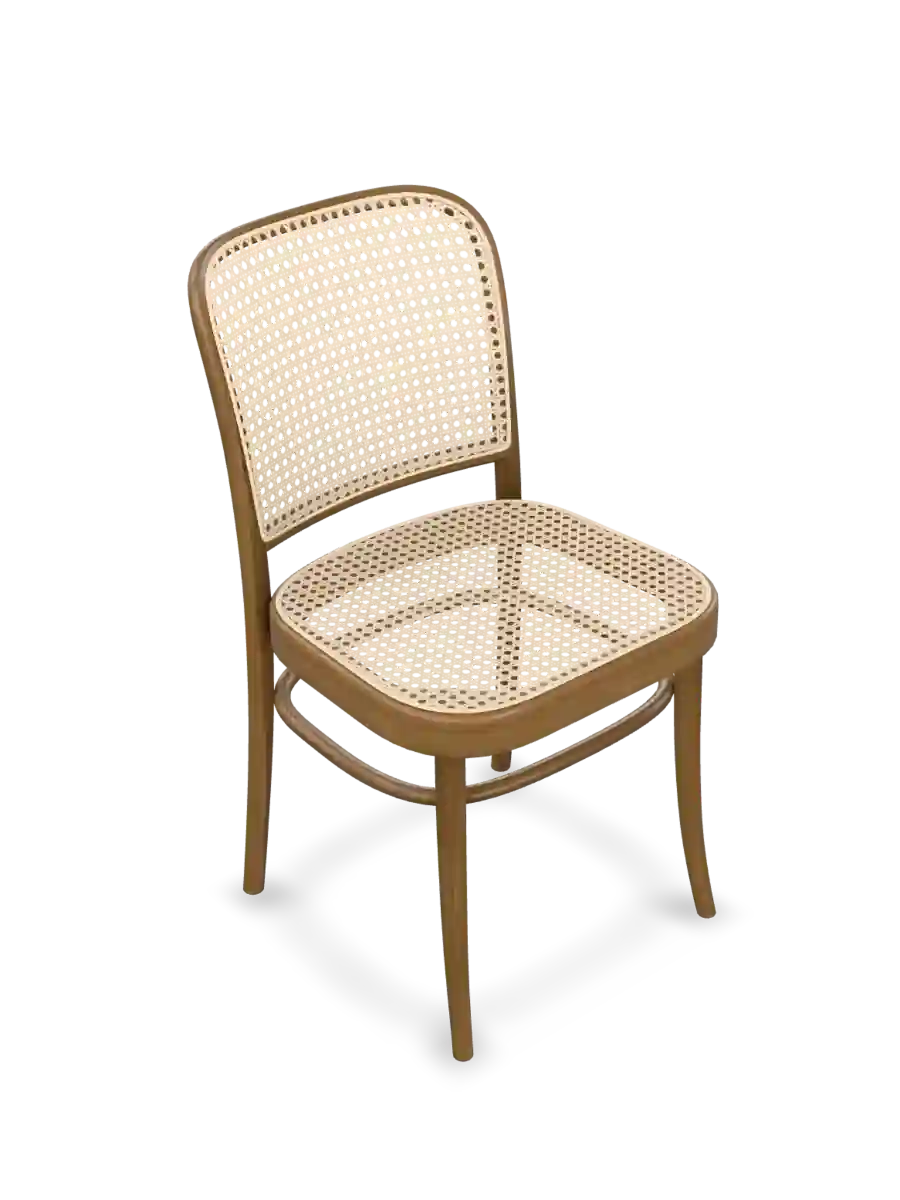
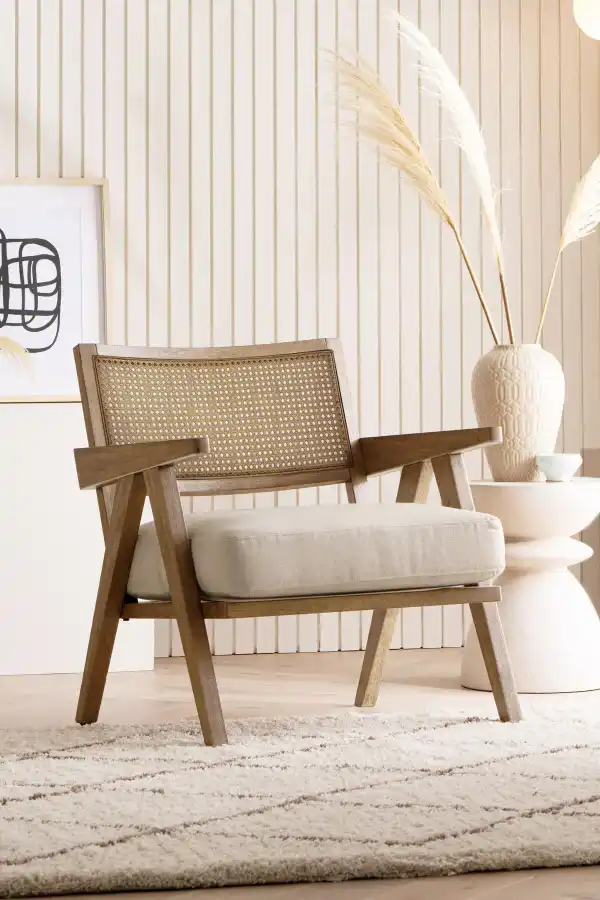
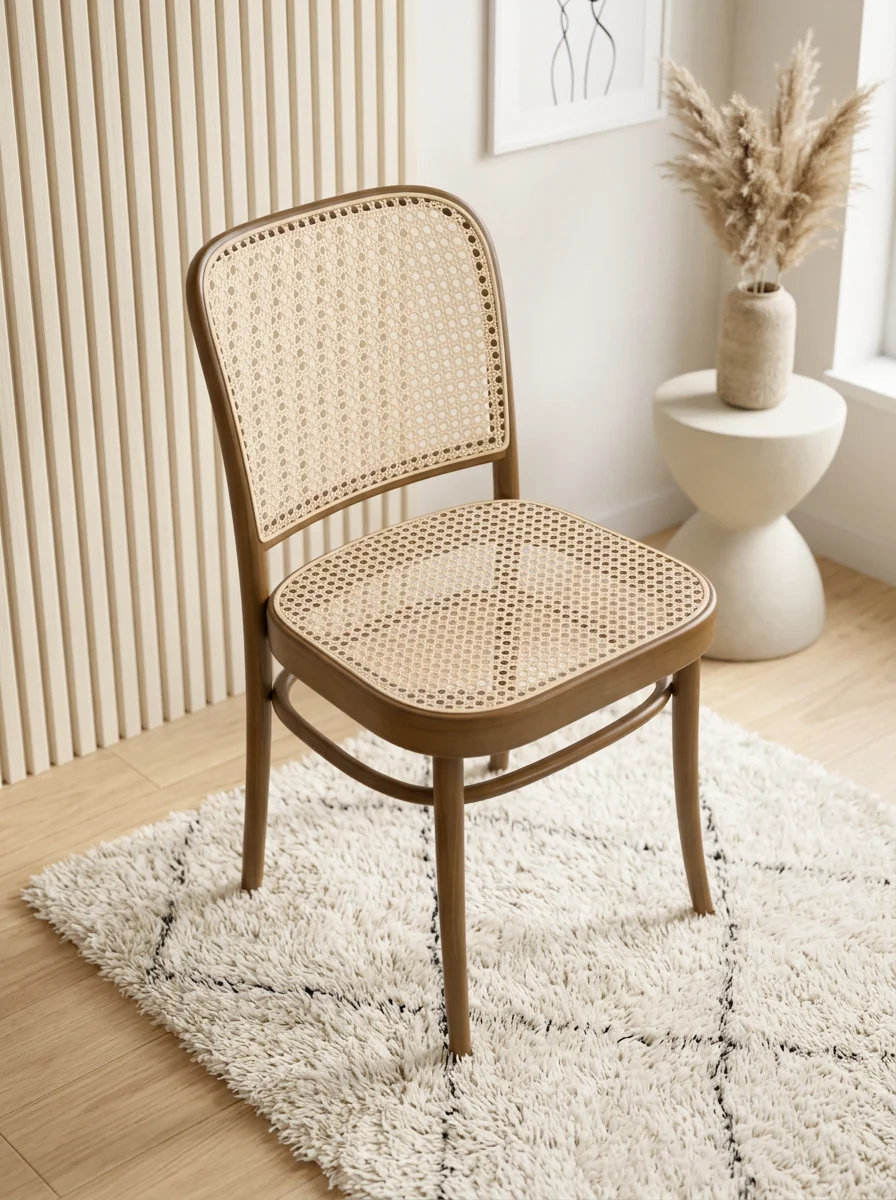
chair
Furniture
Case 01
1Load 3D model
2Select canvas ratio, resolution, camera angle, and model placement
3Upload inspiration image
4System analyzes the image and combines that analysis with the 3D model
5Click AI Render and wait for the result
deployed_code
3D Model Canvas
image
Inspiration
auto_awesome
Final Render
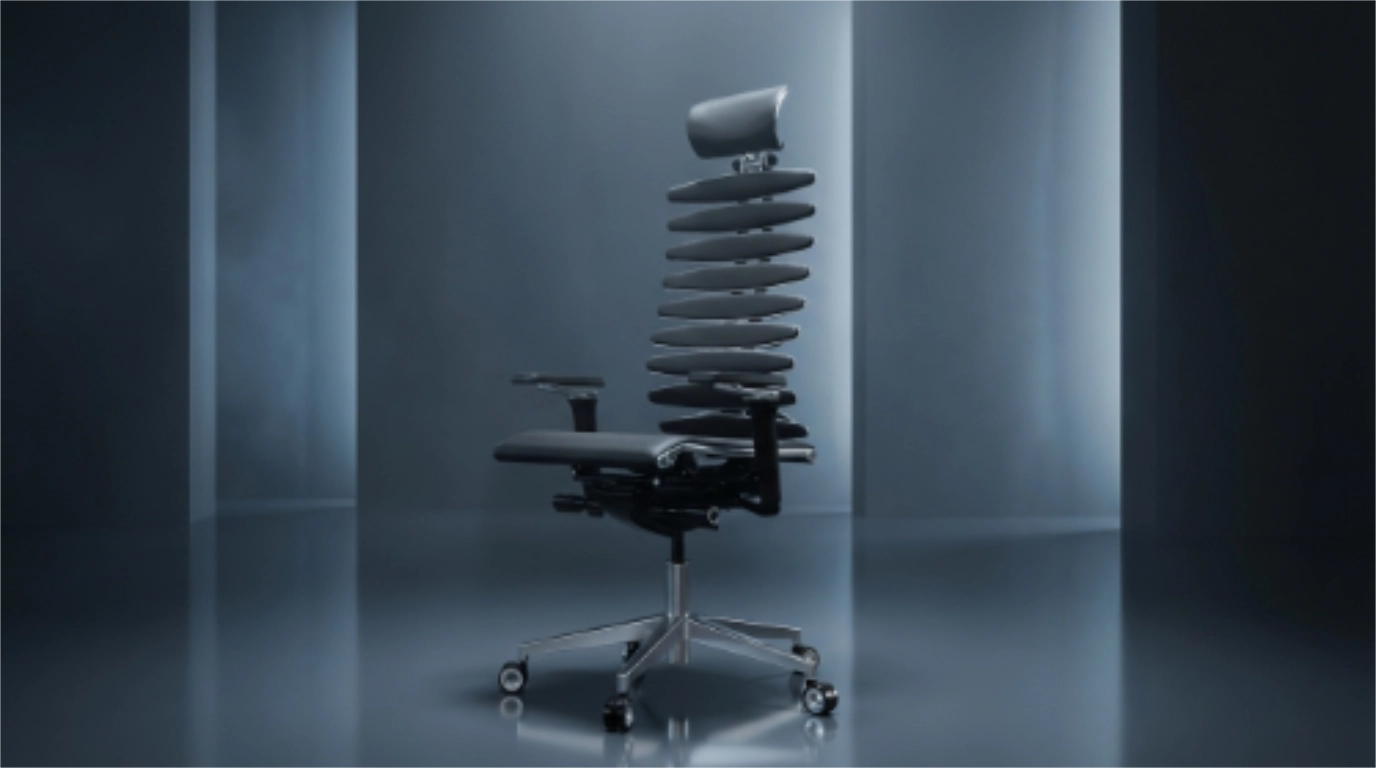
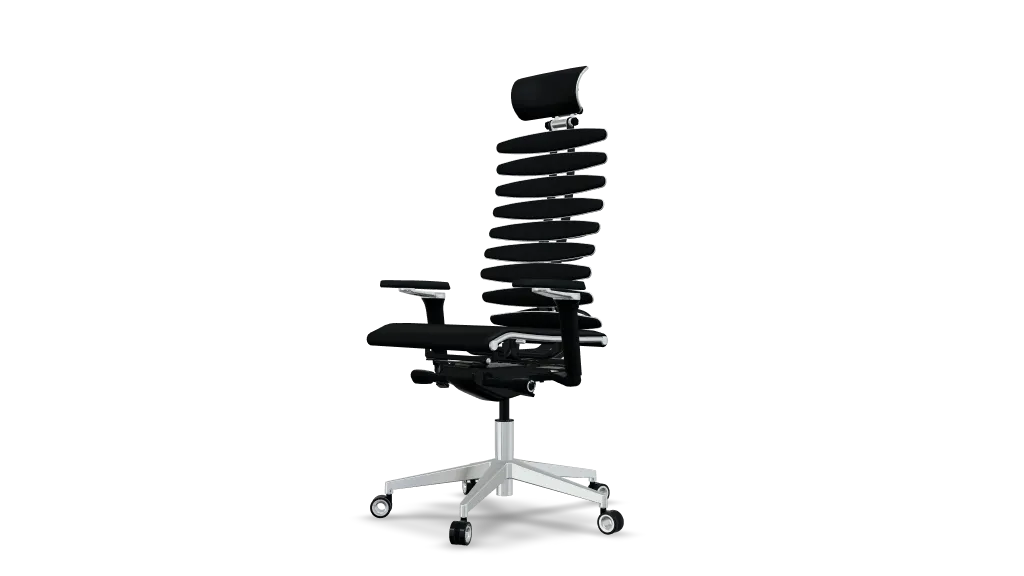
3D Model Canvas
Final Render