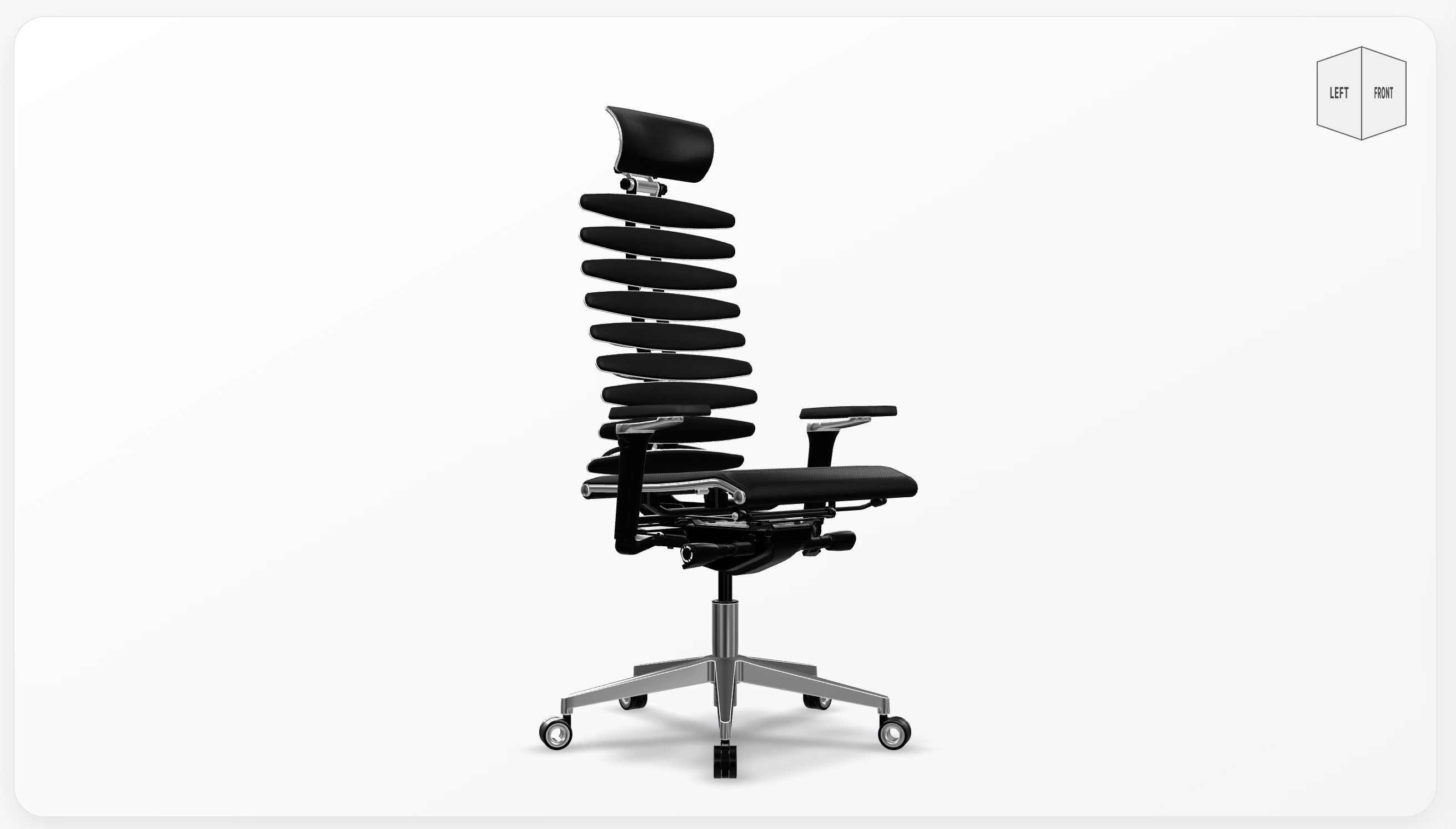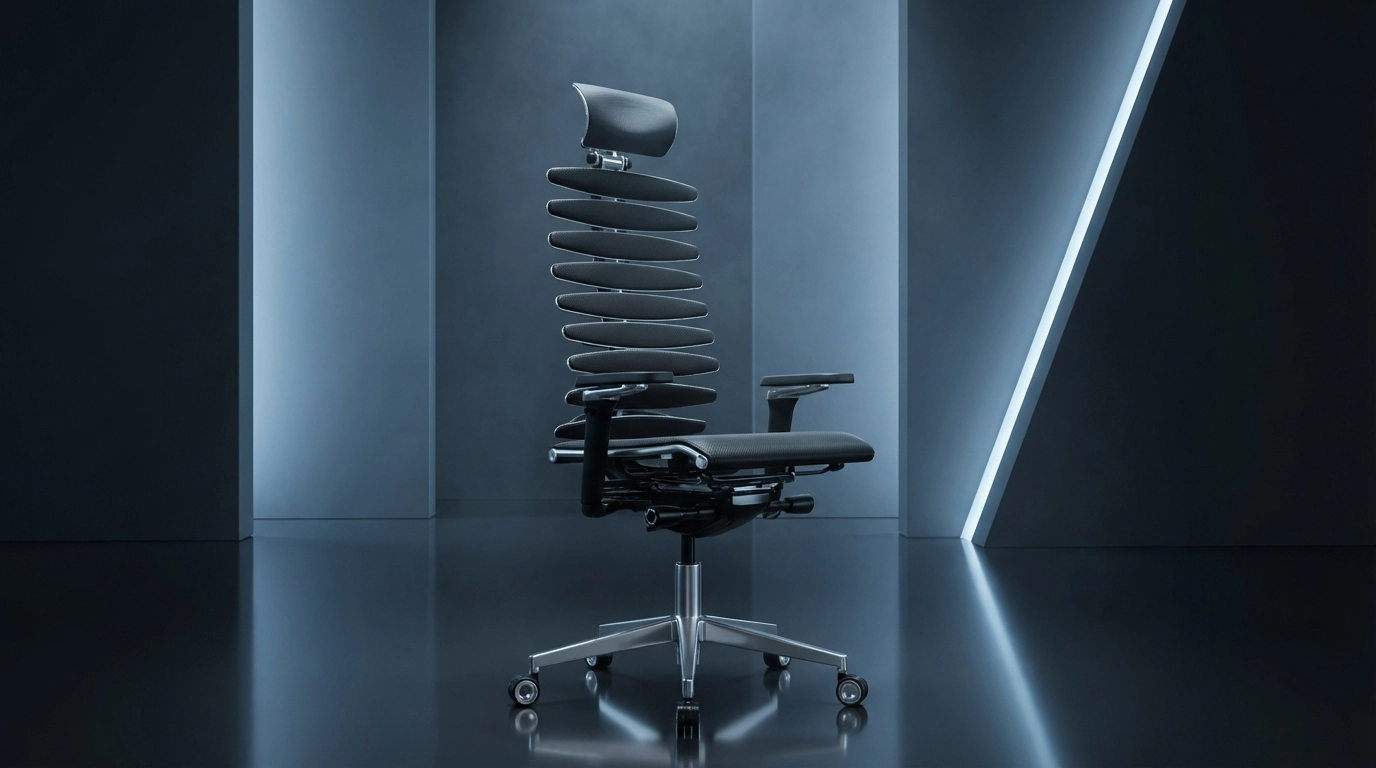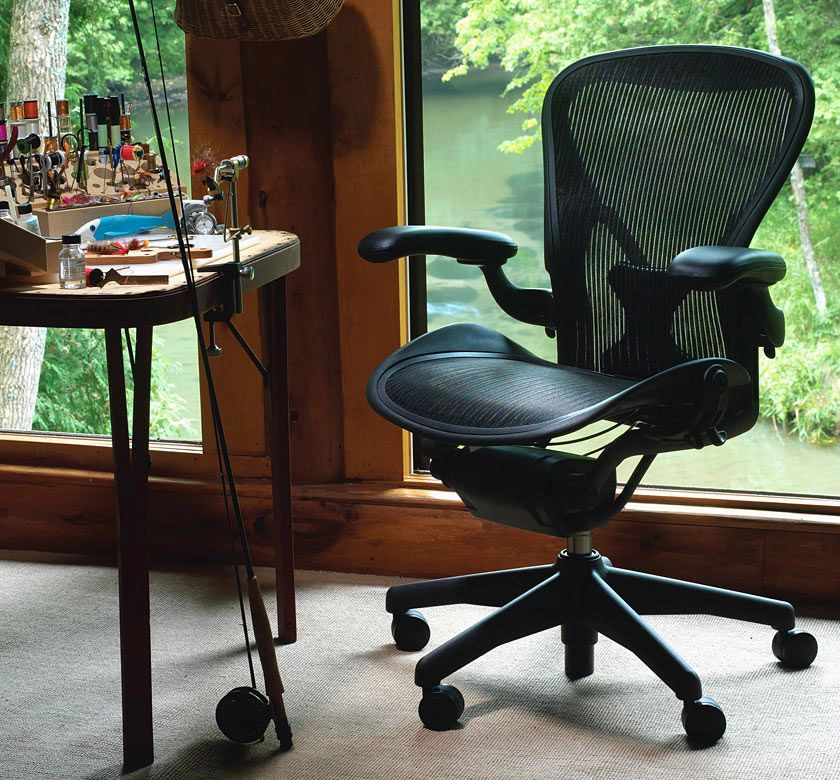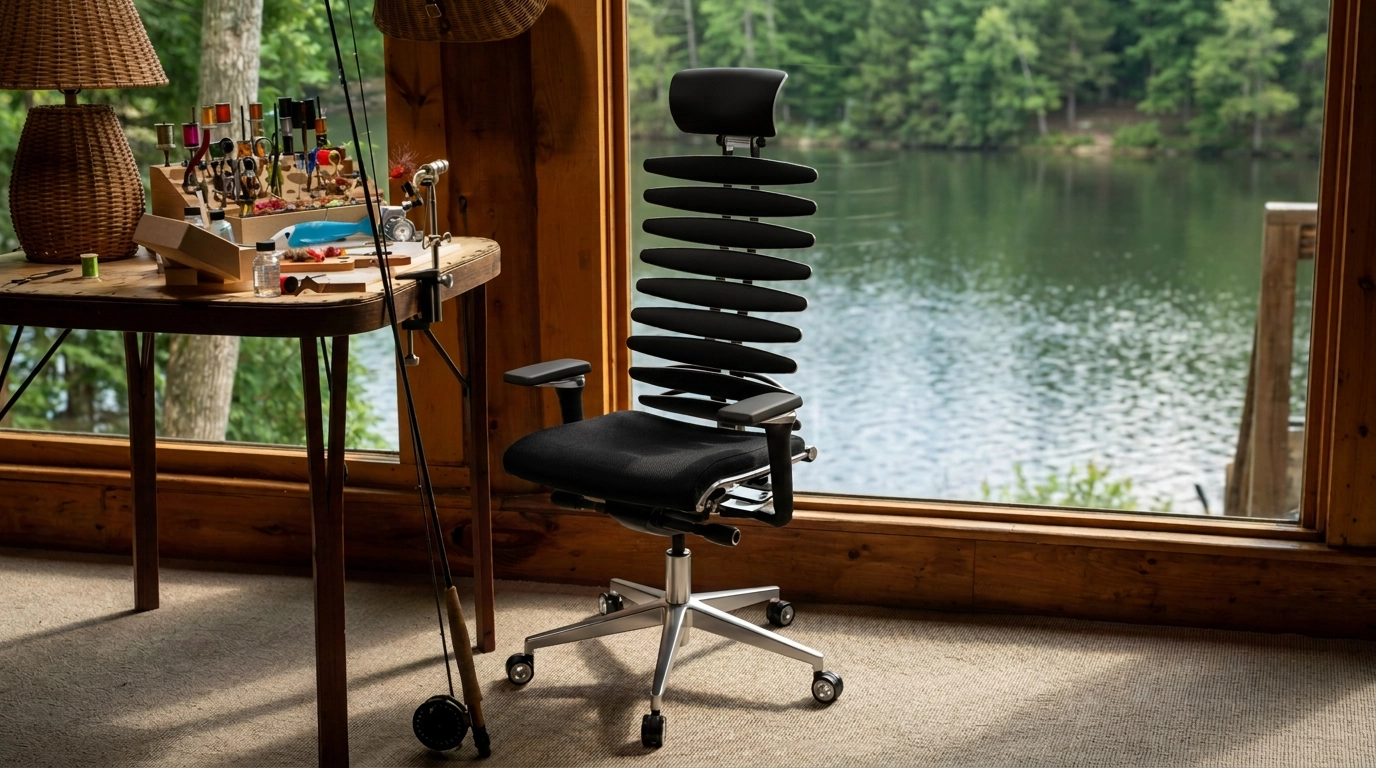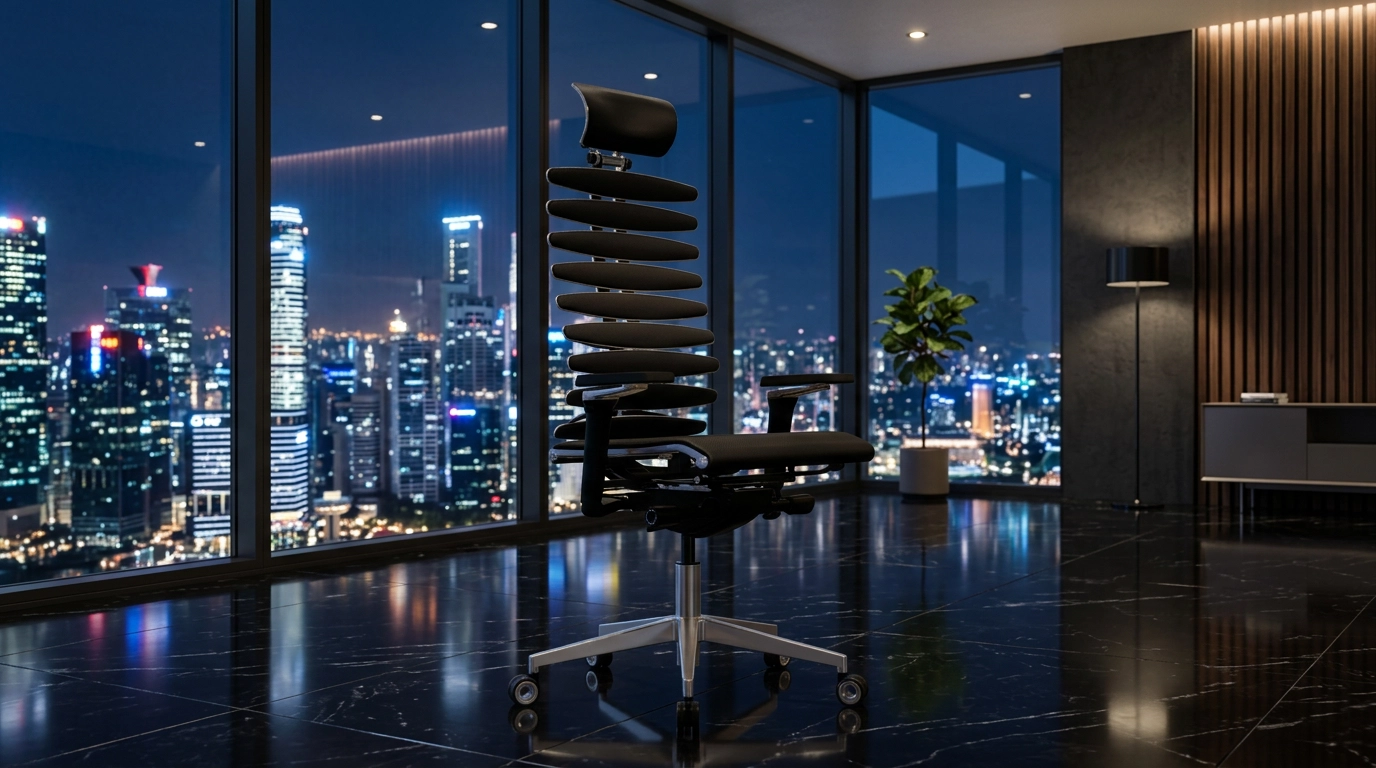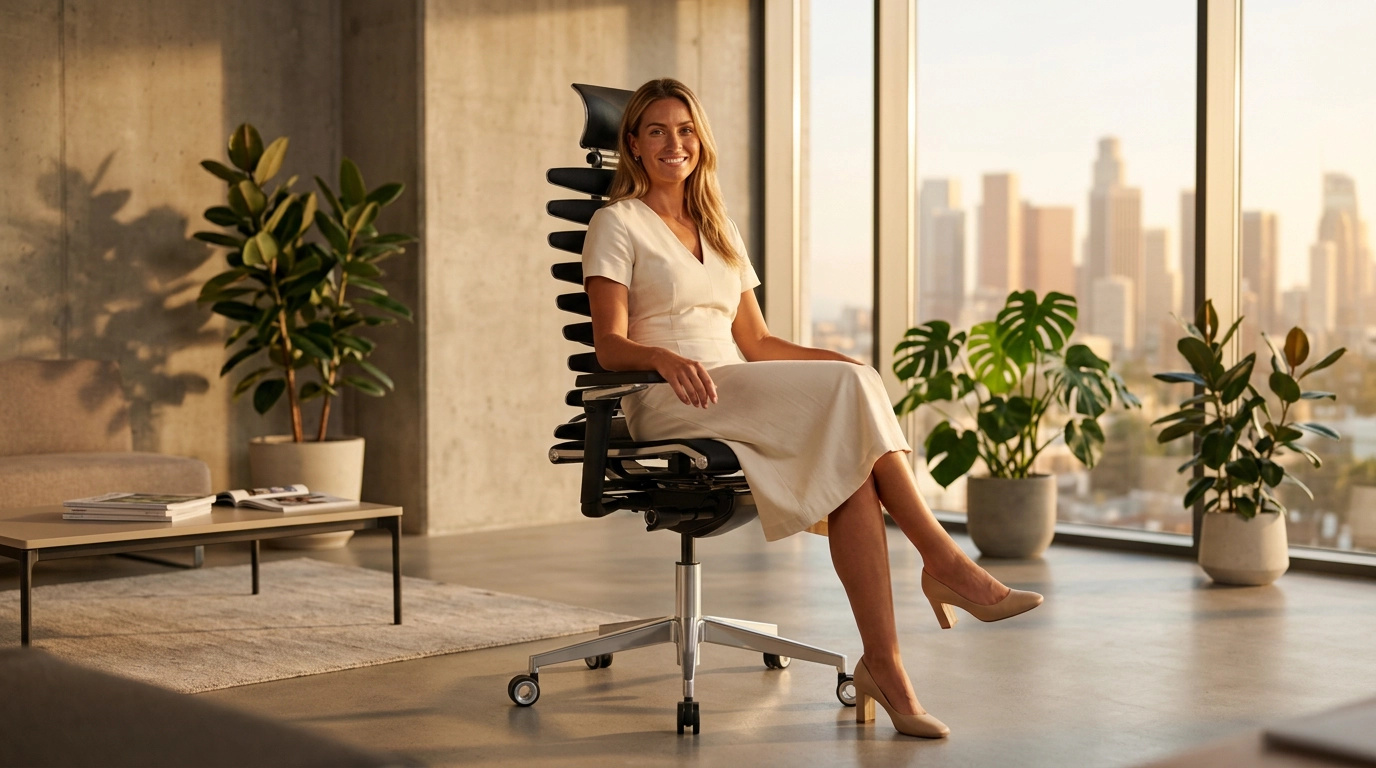
Upload your 3D model, set the scene, and generate renders
Add your 3D model (GLB, FBX, OBJ, STL, PLY, USDZ) or drag it onto the viewer. Manage scene, camera, and output settings from a single panel to create AI renders.
Write a short category or description so we can build the inspiration scene correctly.
This information is added to the inspiration image analysis and the generated prompt.
Use an inspiration image to guide the style, lighting, and composition of your final render.
Build A Scene From An Inspiration Image
Upload an inspiration image to guide the scene style, lighting, and composition.
Use a target scene image to place your 3D model into a real composition.
Place The 3D Model Into An Example Image
Upload an image to replace an object in the scene with your model or position it in a suitable area.
Use a background-only image to preserve the environment without replacing your model.
Add A Background Image
Upload a background-only reference image to preserve the environment, architecture, depth, and visible details as closely as possible.
Use a 360 image or HDR to keep the visible environment coherent and detailed.
Add A 360 Background
Upload an equirectangular 360 image or HDR to preserve the visible background crop with realistic, sharp output. Lighting sync and skybox controls can be adjusted after upload.
Describe the scene in words, optionally add a guide image, and let AI expand both into a richer prompt.
Describe The Scene And Optionally Add A Guide Image
Use text for the main idea, then add an image if you want the prompt to borrow the scene mood, composition, or visual atmosphere.
Choose a preset scene direction and instantly load a structured prompt for that environment.
Choose A Template And Auto-Fill The Prompt
Each template gives you a ready-made scene direction so you can start from a structured prompt instead of writing everything from scratch.
Get 3 free render credits when you sign up.
Enter your registered email address. If a valid account exists, we will send a password reset link.
Secure payment is provided by Shopier.
Your render is automatically saved to your gallery. You can safely close this modal — the image will be waiting for you there.
An Error Occurred